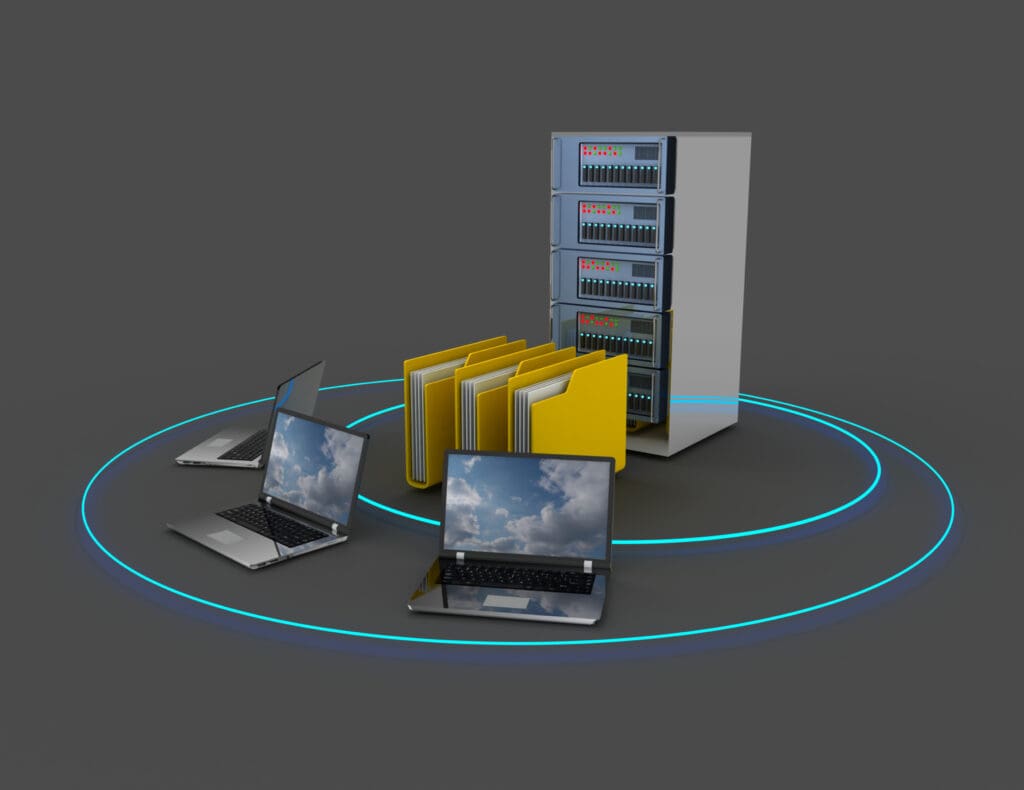
In a smart home network, the switch connects your wired devices to each other and to the router, and the “server” is whatever device runs your automation or stores your data. In most homes that server is an automation controller, such as a Control4 controller, a Savant host or a Lutron RadioRA 3 processor, plus a network video recorder for cameras and sometimes a storage device for files and media. The switch moves the data. The servers decide what to do with it. A smart home needs both set up well to stay quick and reliable.
How the pieces of a home network fit together
- The modem or fiber terminal brings the internet into the house.
- The router connects your home network to the internet, hands out addresses and runs the firewall.
- The switch gives you wired ports and passes data between wired devices inside the house.
- Access points connect to the switch and provide WiFi.
- Servers and controllers connect to the switch and run the automation, recording and storage.
In a small home, the router, switch and WiFi often come in one box. In a larger smart home, they are separate pieces mounted in an equipment rack, which makes each one easier to upgrade and troubleshoot.

What does a server do in a smart home?
Automation controllers
The controller is the brain of the system. It stores your scenes and schedules, talks to lighting, shades, audio, climate and security, and runs everything when you press a keypad button or tap the app. Because it runs on your local network, the house keeps working if the internet goes down. You lose remote access from your phone, but the keypads, remotes and touchscreens inside the house still work.
Network video recorders
A network video recorder (NVR) records your security cameras to hard drives in the house. It keeps footage local, avoids cloud storage fees and keeps camera traffic off your internet connection.
Storage and media servers
Some homes add network attached storage (NAS) for family photos, backups or a personal movie library. It is optional. Most people now stream music and video from online services instead.
The cloud
Many consumer smart devices rely on the manufacturer’s servers on the internet instead of a box in your house. That is convenient, but those devices may stop working when your internet is down or if the company changes its service. Local control is one of the main reasons people choose a professional automation system.
What does a network switch do?
A switch connects wired devices and sends each piece of data only to the device it is meant for. That keeps traffic organized and lets many devices talk at full speed at the same time. A router connects your network to the internet. A switch expands your network inside the house. Most homes with more than a few wired devices need both.
Unmanaged and managed switches
An unmanaged switch is plug-and-play. It is fine for adding a few ports behind a TV. A managed switch can be configured and monitored, and it supports features a smart home benefits from:
- VLANs, which split one physical network into separate networks, such as one for your computers, one for cameras and smart devices, and one for guests.
- Quality of Service (QoS), which gives priority to time-sensitive traffic such as video calls and audio.
- IGMP snooping, which keeps multicast traffic from audio and video distribution systems from flooding the rest of the network.
- Remote monitoring, so you or your installer can see a problem and restart a port without a trip to the house.
Power over Ethernet
A PoE switch powers devices through the network cable. Cameras, access points, doorbells and some touchscreens run this way, so they don’t need an outlet nearby. Check the switch’s total PoE budget, which is the total power it can supply, and make sure it covers everything you plan to connect with room to spare.
Choosing the right switch
- Port count. Count every wired device and cable run, then add room to grow. Spare ports cost little compared with adding a second switch later.
- Speed. Gigabit ports are the minimum. Multi-gigabit ports help for WiFi 6E and WiFi 7 access points and for the link between switches.
- PoE budget. Plan for cameras, access points and anything else that will draw power.
- Management. Choose a managed switch if you want VLANs, monitoring or AV distribution.
- Ecosystem. Network gear from brands such as Araknis, Access Networks, Ubiquiti or Ruckus lets the router, switches and access points be managed together from one dashboard.
Keeping servers and switches reliable
- Put the controller, NVR, router and switches on a battery backup (UPS) to ride through short outages and protect them from surges.
- Mount equipment in a rack or closet with airflow. Heat shortens the life of electronics, and a closed closet can get hot.
- Label every cable and keep a simple map of what plugs in where.
- Keep firmware current on the controller, router, switches and access points.
- Keep smart devices on their own network so a problem with one device can’t reach your computers. Our guide to securing your home WiFi covers the steps.
For the wireless side of the network, see our smart home network setup guide and our post on how smart devices affect WiFi speed.
When to bring in a professional
A small home with an all-in-one router and a few wired devices doesn’t need much planning. A rack with a controller, a managed switch, PoE cameras and several access points does. VLANs, PoE budgets and multicast settings are easy to get wrong, and the symptoms (an audio zone that drops out, a camera that goes offline at night) are hard to trace. If your home runs a Control4, Savant or Lutron system, the installer who programs it should design the network it runs on.
Planning a home network project?
We design and install equipment racks, switches, access points and the networks that run our automation systems, for homes across Greater Boston, the South Shore and Rhode Island. Book a free consultation or read more about our smart home WiFi and networking.