A smart home is a house where the lighting, climate, shades, security, music and video are connected so you can control them from your phone, a keypad or your voice, and so they can run on their own based on schedules, sensors and the time of day. The difference between a smart home and a house with a few smart gadgets is coordination. In a smart home, one button or one command can set the lights, close the shades, adjust the temperature and arm the alarm together.

How does a smart home work?
Every smart home has three layers.
- The devices. Dimmers, shade motors, thermostats, locks, cameras, speakers and sensors do the actual work.
- The controller. This is the brain that knows about every device and runs the automations. In a do-it-yourself setup it might be an Amazon, Google or Apple hub. In a professionally installed home it is usually a dedicated processor from Savant, Control4 or Lutron, which runs locally in the house and keeps working even when the internet is down.
- The network. Wi-Fi, wired Ethernet and low-power wireless protocols carry commands between devices and the controller. A reliable network is the foundation of everything else.
Devices talk to each other in different “languages.” Wi-Fi handles cameras, TVs and streaming. Zigbee, Z-Wave and Thread are low-power mesh protocols used by sensors and locks. Lutron uses its own Clear Connect radio for lighting and shades, so lighting commands don’t compete with everything else on your Wi-Fi. Matter is a newer standard backed by Apple, Google, Amazon and Samsung that aims to let devices from different brands work together more easily.
A short history
Home automation has been around for decades. Early systems like X10 sent simple on and off commands over a home’s electrical wiring. Custom-installed systems for lighting and audio followed for high-end homes. The real shift came with smartphones, home Wi-Fi and voice assistants such as Amazon Alexa and Google Assistant, which put basic smart home control within reach of almost anyone. Today the options run from a few app-controlled bulbs to whole-house systems that manage every room.
What a smart home can control
Lighting
Smart lighting is usually the first and most-used part of a smart home. Smart dimmers replace ordinary switches, and keypads can control scenes like “Dinner,” “Movie” or “All Off.” Lutron Caséta, RadioRA 3 and HomeWorks cover everything from a few rooms to a full estate. Lighting can follow your schedule, dim in the evening and turn on a path to the kitchen at night.
Motorized shades
Shades can raise and lower on a schedule, close automatically when the afternoon sun hits a room, and open in the morning. They protect floors and furniture from fading and add privacy at night with no effort.
Climate
Smart thermostats let you set schedules, adjust the temperature from your phone, and set the house back when you leave. When they are part of a whole-house system, they can respond to scenes, so “Away” lowers the heat and “Goodnight” sets the bedroom temperature.
Security and access
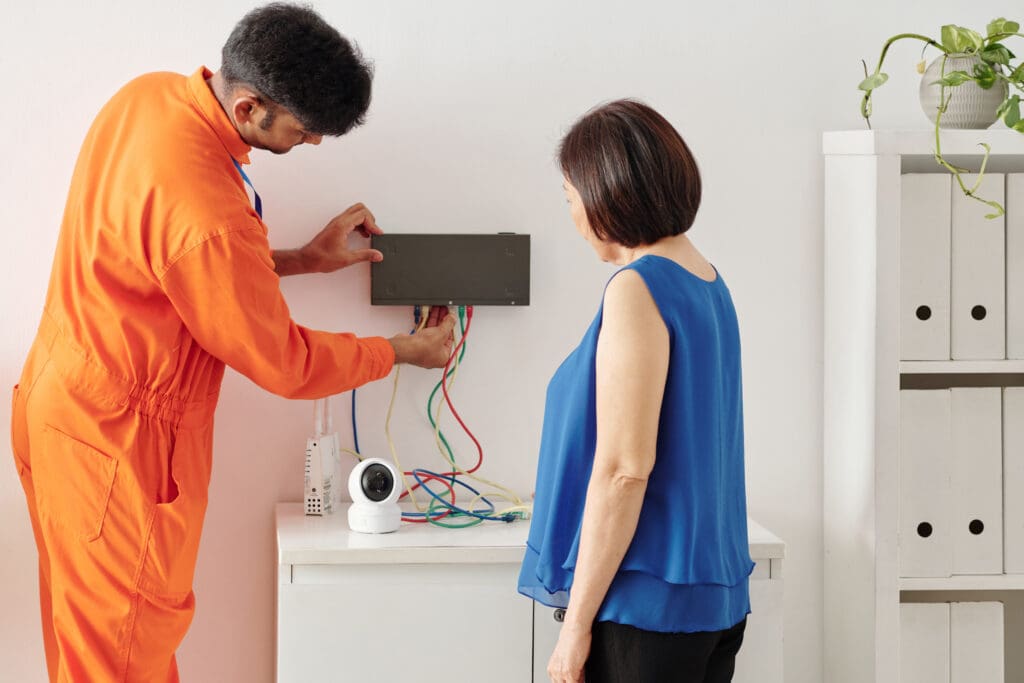
Cameras, video doorbells, smart locks and alarm sensors send alerts to your phone and let you check on the house from anywhere. You can give a dog walker a code that only works on weekday afternoons, or see who is at the door and unlock it from the office.
Music and video
Whole-house audio plays music in any room, or the same song throughout the house. Home theaters and media rooms turn on with one button, and the lights and shades adjust when the movie starts.
For specific product picks in each category, see our list of must-have smart home devices.
The benefits
- Convenience. Fewer switches and remotes, and routines that run without you thinking about them.
- Peace of mind. Alerts when a door opens or a leak sensor gets wet, and the ability to check on the house while you are away.
- Energy use. Lights that turn off in empty rooms, shades that block afternoon heat, and heating and cooling that set back when nobody is home all reduce waste. How much you save depends on your house and habits.
- Comfort. Lighting and temperature that match the time of day and what you are doing.
- Accessibility. Voice control and automated lighting help older family members and anyone with limited mobility stay independent at home.
The drawbacks and how to handle them
Privacy and security
Every connected device is a possible way into your network. Use strong, unique passwords, turn on two-factor authentication, keep firmware updated, and put smart devices on their own network segment. Our guide to securing your home Wi-Fi covers the basics.
Internet dependence
Many consumer devices stop working when the internet or the manufacturer’s cloud goes down. Systems that run locally on a processor in the house, like Lutron, Savant and Control4, keep your lights, shades and keypads working during an outage.
Compatibility
Mixing brands can leave you with five apps that do not talk to each other. Choose one platform first, then pick devices that work with it. Matter has improved this for consumer gear, but it is still worth checking before you buy.
How to get started
- Decide what you want help with most, whether that is lighting, security, energy or entertainment.
- Check your network. Weak Wi-Fi is one of the most common causes of smart home problems.
- Pick a platform, either a consumer ecosystem for a small setup or a professional system for a whole house.
- Start with one room or one system, such as lighting in the main living areas, and live with it for a while.
- Add rooms and systems over time, keeping everything on the same platform.
If you are building or renovating, plan the wiring now. Running low-voltage cable, shade power and network drops while walls are open costs far less than adding them later. Our article on DIY versus professional smart home installation can help you decide which path fits your home.
Common questions
What makes a home “smart”?
Connected devices that you can control remotely and that can work together automatically. A single smart bulb is a smart device. A home where lighting, shades, climate and security respond together is a smart home.
Can a smart home lower utility bills?
It can, mainly through better control of heating, cooling and lighting. The savings depend on the house, the climate and how you use it, so expect some savings without counting on a specific number.
Can an existing home become a smart home?
Yes. Wireless systems like Lutron RadioRA 3 and battery-powered shades were designed for retrofits and need little or no new wiring.
Planning a smart home project?
We design and install whole-house smart home systems, including lighting, shades, climate, security and entertainment, across Greater Boston, the South Shore and Rhode Island. Book a free consultation or read more about our smart home solutions.