To automate your home, decide what you want the house to do for you, make sure your network can support it, choose one control platform, and then add lighting, climate, shades, security and entertainment in phases that all report to that platform. The devices matter less than the order you do things in. Many frustrating smart homes come from buying gadgets first and planning later. This guide covers each step, from setting goals to building routines you will actually use.
Home automation basics
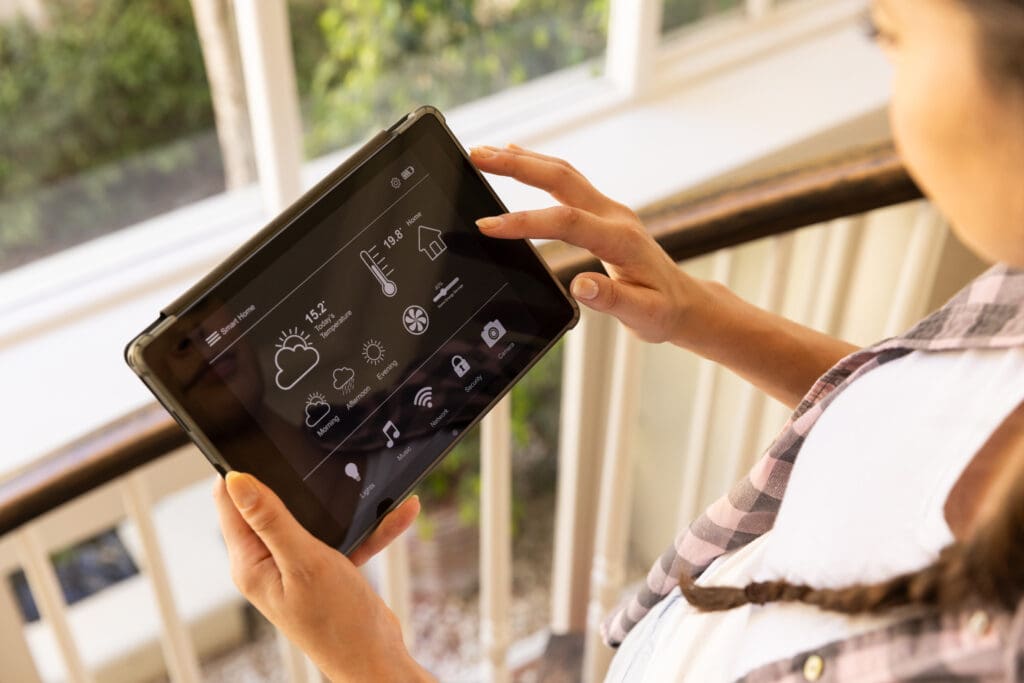
Home automation connects devices so they can be controlled from one place and can act on their own. A dimmer you control from your phone is remote control. A dimmer that turns the hallway lights on at 20 percent when someone walks by at 2 a.m. is automation. The goal is a house that handles routine tasks so you do not have to.
Every automated home has devices (dimmers, thermostats, locks, shade motors, sensors, speakers), a controller that runs the logic, and a network connecting them. If any one of the three is weak, the whole system feels unreliable. For a plain-language overview of how these pieces fit together, see what is a smart home.
Step 1: Set your goals
Start with what bothers you or what you want more of. Common goals include:
- Fewer switches and remotes, and lighting that looks good without fiddling.
- Knowing the house is locked, the garage is closed and nothing is leaking when you are away.
- Lower energy use from heating, cooling and lights.
- Music throughout the house and a media room or theater that is easy for anyone to use.
- Privacy and sun control from shades that adjust on their own.
Your priorities decide where to start. If energy matters most, begin with thermostats, lighting control and shades. If peace of mind matters most, start with locks, cameras and leak and smoke sensors.
Step 2: Assess your home
Walk through the house and note what you have to work with.
- Construction stage. New construction and major renovations are the best time to run low-voltage wire, network cable and shade power. In a finished home, wireless systems make automation possible with far less disruption.
- Electrical. Many smart dimmers need a neutral wire in the switch box. Older homes may not have one, which affects which products you can use.
- HVAC. Check what kind of heating and cooling system you have and whether a smart thermostat supports it. Multi-zone systems and radiant heat often need specific controls.
- Network. Note where Wi-Fi is weak, especially at the far ends of the house, the basement and outside.
Step 3: Fix the network first
A smart home is only as reliable as its network. Every camera, speaker, thermostat and app depends on it. Signs you need an upgrade include dead spots, video calls that drop in certain rooms, and devices that frequently show as offline.
For a small home, a quality mesh Wi-Fi system often solves the problem. Larger homes do better with a wired backbone: a proper router, network switches, and ceiling-mounted access points connected by Ethernet cable. Brands like Araknis, Access Networks, Ubiquiti and Ruckus are common in professionally installed systems. Wire anything that does not move, such as TVs, streaming boxes, the automation processor and access points. Our smart home network setup guide goes into more detail.
Step 4: Choose a control platform
This is the most important decision, because everything else plugs into it. There are two broad approaches.
Consumer ecosystems
Amazon Alexa, Google Home and Apple Home are inexpensive, easy to start with, and work with thousands of devices. Each has strengths. Google is good with natural questions, Alexa supports a huge range of products, and Apple Home has a strong privacy focus and works well if your family uses iPhones. The Matter standard has made it easier to mix brands. These platforms are a good fit for apartments, smaller homes and people who enjoy setting things up themselves.
Professional systems
Savant, Control4 and Lutron’s RadioRA 3 and HomeWorks are designed and programmed by an installer. They run on a processor in the house, so the core functions keep working without the internet. They handle many more devices, use engraved keypads and touchscreens instead of only phone apps, and come with someone to call when something needs to change. These systems make sense for larger homes, homes with many systems to tie together, and owners who want it to work without being their own IT department.
Many homes use both. A professional system runs the house, and Alexa, Google or Apple voice control connect to it for convenience. Josh.ai is another option, built specifically for voice control in professionally integrated homes.
Central control or separate apps?
Separate apps for each device are fine when you have three devices. At fifteen, they become a burden. Central control lets one scene touch lighting, shades, climate and audio at once, which is where automation becomes useful. Most people end up with a central system for daily use and keep the manufacturer apps for setup and troubleshooting.
Step 5: Add the core systems
Lighting
Lighting control gives you the most noticeable change for the money. Smart bulbs work for lamps, but for overhead lights, smart dimmers and keypads are better because the wall switch still works for guests. Lutron Caséta suits a few rooms, while RadioRA 3 and HomeWorks scale to whole houses with designer keypads such as Palladiom. Set up a handful of scenes for each main room and an “All Off” by the door you leave from.
Climate
Smart thermostats learn or follow your schedule, adjust from your phone, and can set back when you leave. Look for remote room sensors if some rooms run hot or cold. Tie the thermostats into your main platform so scenes like “Away” and “Goodnight” adjust the temperature along with everything else. Shades help here too. Closing them during the hottest part of a summer afternoon keeps rooms cooler.
Shades
Motorized shades can open in the morning, close at sunset for privacy, and lower automatically when sun hits the windows. Lutron Sivoia QS and Palladiom shades are wired options for new construction, and battery-powered shades work well for retrofits.
Security and access
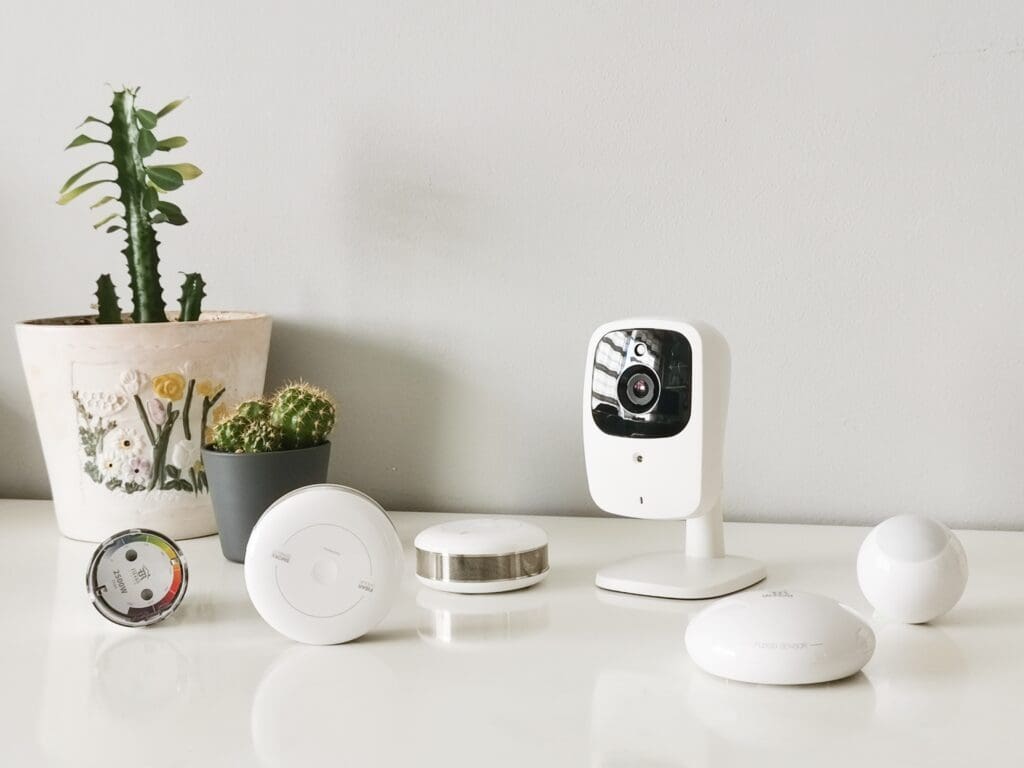
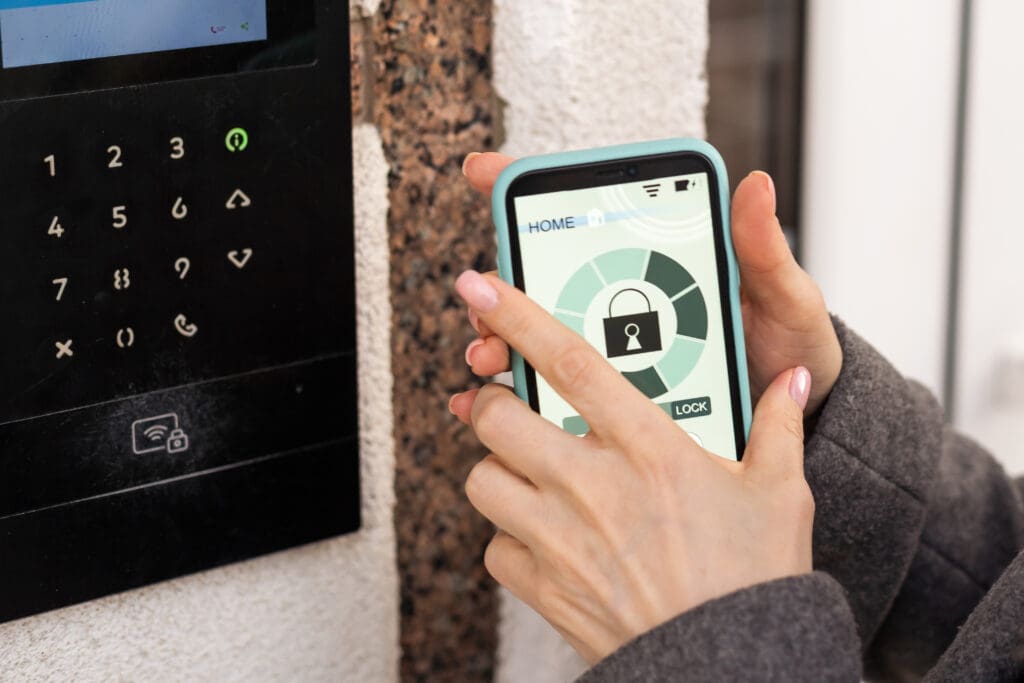
Smart locks let you lock up from anywhere, give guests and service people time-limited codes, and see who came and went. Video doorbells show you who is at the door and let you talk to them from your phone. Cameras with person detection reduce false alerts from trees and passing cars. Motion and door sensors can trigger alerts, turn on lights, or both. Add water leak sensors near water heaters, washing machines and under sinks. They are inexpensive and can prevent very expensive damage.
Music and video
Multi-room audio lets you play music in one room, a few rooms, or the whole house, including outdoors. In-ceiling speakers with a Sonos amplifier are a common starting point, and larger systems use dedicated multi-zone amplifiers controlled by Savant or Control4. For TVs and media rooms, a single remote or touchscreen that turns on the right equipment and dims the lights makes the system easy for everyone in the family.
Appliances
Connected ovens, dishwashers, washers and refrigerators can send alerts and start remotely. They are handy, but they usually live in their own manufacturer apps and are rarely the reason people automate a home. Treat them as a bonus and do not let them drive your platform choice.
Step 6: Build routines you will use
Routines are where a collection of devices becomes an automated home. Start with a few that match how you live:
- Good Morning. Shades open, kitchen lights come on softly, the thermostat moves to the daytime setting.
- Leaving. All lights off, doors locked, alarm armed, temperature set back, garage closed.
- Arriving. The entry and kitchen lights come on, the alarm disarms, music starts at low volume.
- Movie. Lights dim, shades close, the TV and sound system turn on.
- Goodnight. Lights off except a path to the bedrooms, doors locked, shades closed, bedroom temperature set.
- Vacation. Lights turn on and off in a realistic pattern while you are away.
Keep routines simple at first and adjust them after a few weeks. A routine that does something unexpected will get turned off, so it is better to start small.
Step 7: Grow in phases
You do not have to automate everything at once. A sensible order for most homes is network, then lighting in the main living areas, then climate and security, then shades and audio. Each phase should connect to the same platform so you never end up with separate islands of technology. Write down what you have, which app or system controls it, and the passwords, and keep that list somewhere safe.
Common problems and how to avoid them
- Devices that do not work together. Check compatibility with your platform before buying. Look for Matter support on consumer devices, or ask your installer what the system supports.
- Devices dropping offline. Usually a network problem. Add wired access points or move devices to a wired connection.
- Security gaps. Change default passwords, turn on two-factor authentication, update firmware, and keep smart devices on a separate network.
- Too many apps. Consolidate control into one platform and use the other apps only for setup.
- Family members who will not use it. Keep physical keypads and switches that work the normal way. Automation should never make the house harder to use.
Common questions
What is the first step in automating a home?
Decide what you want the system to do, then check your network. Choosing a control platform comes next, and devices come after that.
Can home automation save money on utilities?
Scheduling heating, cooling and lighting, and using shades to manage sun, reduces waste. How much depends on your house and how you use it.
Can older appliances work with a smart home?
Simple appliances like lamps and fans can be controlled with smart plugs or switches. Complex appliances usually need a connected model to offer real control.
Should I do it myself or hire a professional?
A few rooms of lighting and a smart thermostat are good DIY projects. Whole-house systems, new construction and homes with many systems to tie together are usually better designed and installed by a professional. Our article on DIY versus professional installation covers the tradeoffs.
Planning a home automation project?
We design, install and support whole-house automation for lighting, shades, climate, security and entertainment across Greater Boston, the South Shore and Rhode Island. Book a free consultation or read more about our home automation services.