What a smart home costs depends on three things: how much of the house you automate, whether you use consumer devices or a professionally designed system, and whether the house is under construction or already finished. A few smart bulbs and a thermostat can cost a few hundred dollars. A whole-house system covering lighting, shades, climate, security, audio and the network is a construction-scale project priced room by room. This guide explains what drives the price in each category so you can budget with realistic expectations.
What counts as a smart home?
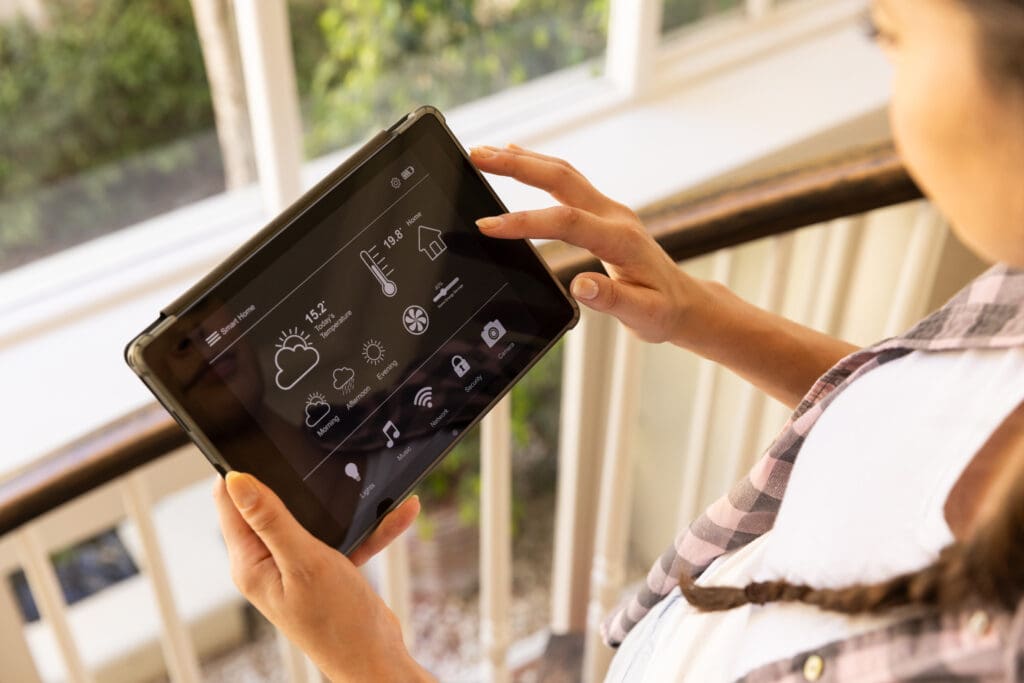
A smart home is a house where connected devices can be controlled from your phone, a keypad or your voice, and can work together automatically. At the simple end, that means a few devices on Wi-Fi with an app. At the high end, it means one system that controls lighting, shades, climate, security, music and video throughout the house. The price gap between those two is large, so the first step is deciding which one you actually want.
What drives the cost
- Scope. The number of rooms and systems is the biggest factor. Lighting in five rooms costs far less than lighting, shades and audio in every room.
- Construction stage. Running wire in open walls during a build or gut renovation is much cheaper than fishing it through finished walls. In finished homes, wireless products keep costs and disruption down.
- Product tier. Consumer devices, prosumer products and professional systems differ in price, reliability, design and how many devices they can handle.
- Network. A large home often needs a wired network with several access points before anything else will work well.
- Design and programming. Professional systems include time to design the system, program scenes and keypads, and tune everything after move-in.
- Finishes. Engraved keypads, custom shade fabrics and architectural speakers cost more than basic options.
DIY versus professional installation
DIY keeps costs low for simple projects. Smart bulbs, plugs, a thermostat and a video doorbell are all reasonable weekend jobs if you are comfortable with basic wiring and apps. The tradeoff is your time, and the fact that you are the support line when something stops working.
Professional installation costs more up front but includes design, wiring, programming and support. It makes sense for whole-house systems, new construction, large homes, motorized shades, multi-room audio and anything that needs to work reliably for many years. Our article on DIY versus professional smart home installation covers how to decide.
Smart lighting costs
Smart bulbs are the cheapest way to start, typically around $10 to $50 per bulb depending on whether they change color. Smart switches and dimmers, which control every light on a circuit, typically run about $30 to $100 each for consumer and entry-level products. Those figures are for the device only and do not include installation.
Whole-house lighting control systems such as Lutron RadioRA 3 or HomeWorks are priced differently. The cost depends on the number of circuits, the number and style of keypads, whether the system is wired or wireless, and the programming involved. They cost more per room than consumer switches, and in return you get engraved keypads, scenes across the house, and a system designed to run for many years.
Smart thermostat and climate costs
Smart thermostats typically cost about $100 to $300 each, depending on features such as remote room sensors and voice control. Homes with several heating and cooling zones need one per zone. Radiant heat, older boilers and some multi-zone systems may need additional controls or an HVAC contractor’s help, which adds to the cost.
Smart security costs
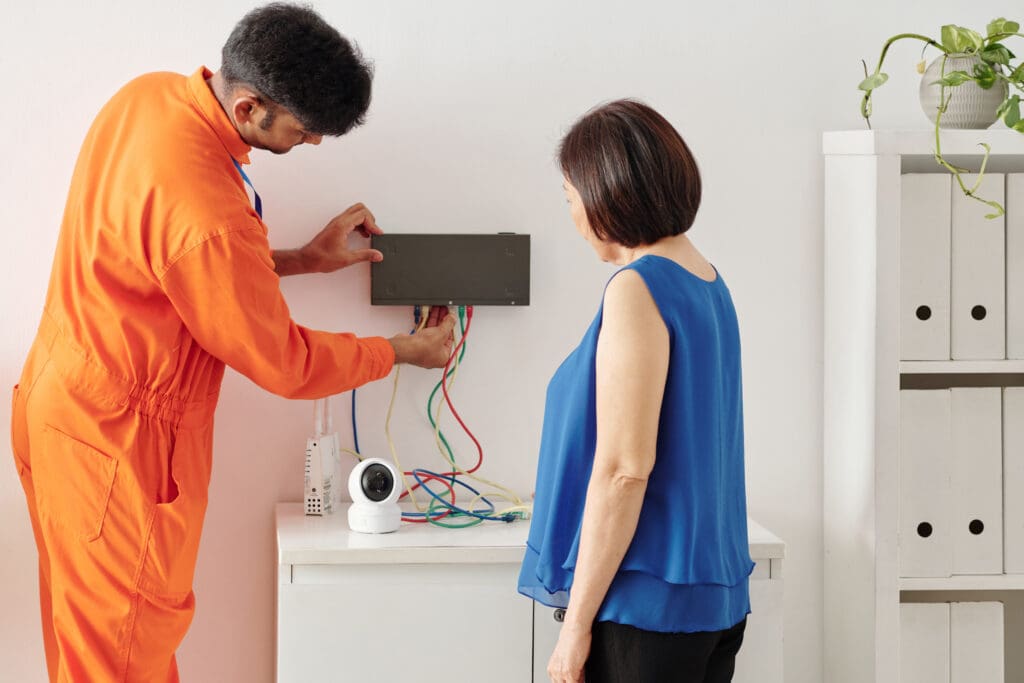
A basic DIY security setup with a few sensors, a camera or two and a video doorbell can start at a few hundred dollars. More complete systems with many cameras, door and window sensors, smoke and carbon monoxide detection and professional monitoring can cost several thousand dollars. The main cost drivers are the number of cameras, whether they are wired or battery powered, how video is stored, and whether you pay for monitoring. For more detail, see our home security system cost breakdown.
Shades, audio and other systems
Motorized shades are priced per window and vary widely with size, fabric and whether they are wired or battery powered. Multi-room audio depends on the number of zones and the speakers chosen. Home theaters range from a well-equipped media room to a dedicated, acoustically treated room. Each of these is usually quoted separately, then tied into the main control system.
Recurring costs
Plan for ongoing costs as well as the purchase price:
- Professional alarm monitoring.
- Cloud video storage for cameras and doorbells.
- Annual fees some platforms charge for remote access and updates.
- Service plans from your installer for remote support and visits.
- Replacing batteries in sensors, locks and shades, and eventually replacing devices that age out.
Is a smart home worth the cost?
The return comes in a few forms. Scheduling heating, cooling and lighting and using shades to manage sun can reduce energy waste, though the savings depend on the house and how you use it. Leak sensors, cameras and remote access can prevent or limit costly problems. Whether a system adds resale value is a separate question, which we cover in does home automation increase home value.
How to budget
- List what you want the house to do, in order of priority.
- Budget for the network first. Everything else depends on it.
- Choose one platform so later phases connect to earlier ones.
- If you are building or renovating, pre-wire for future phases now. Wire is cheap while walls are open.
- Phase the rest over time, starting with the rooms you use most.
Common questions
What is the most cost-effective way to start?
Pick one platform and start with the system you will use most, usually lighting in the main living areas or a smart thermostat. Add from there.
Are there monthly fees?
Not always. Monitoring, cloud video storage and some platform remote-access plans carry recurring fees. Many lighting and shade systems have none.
Is it cheaper to automate during construction?
Yes. Wiring, shade power and network cable cost much less to install before drywall goes up than after.
Planning a smart home project?
We design and install whole-house automation across Greater Boston, the South Shore and Rhode Island. Book a free consultation or read more about our home automation services.